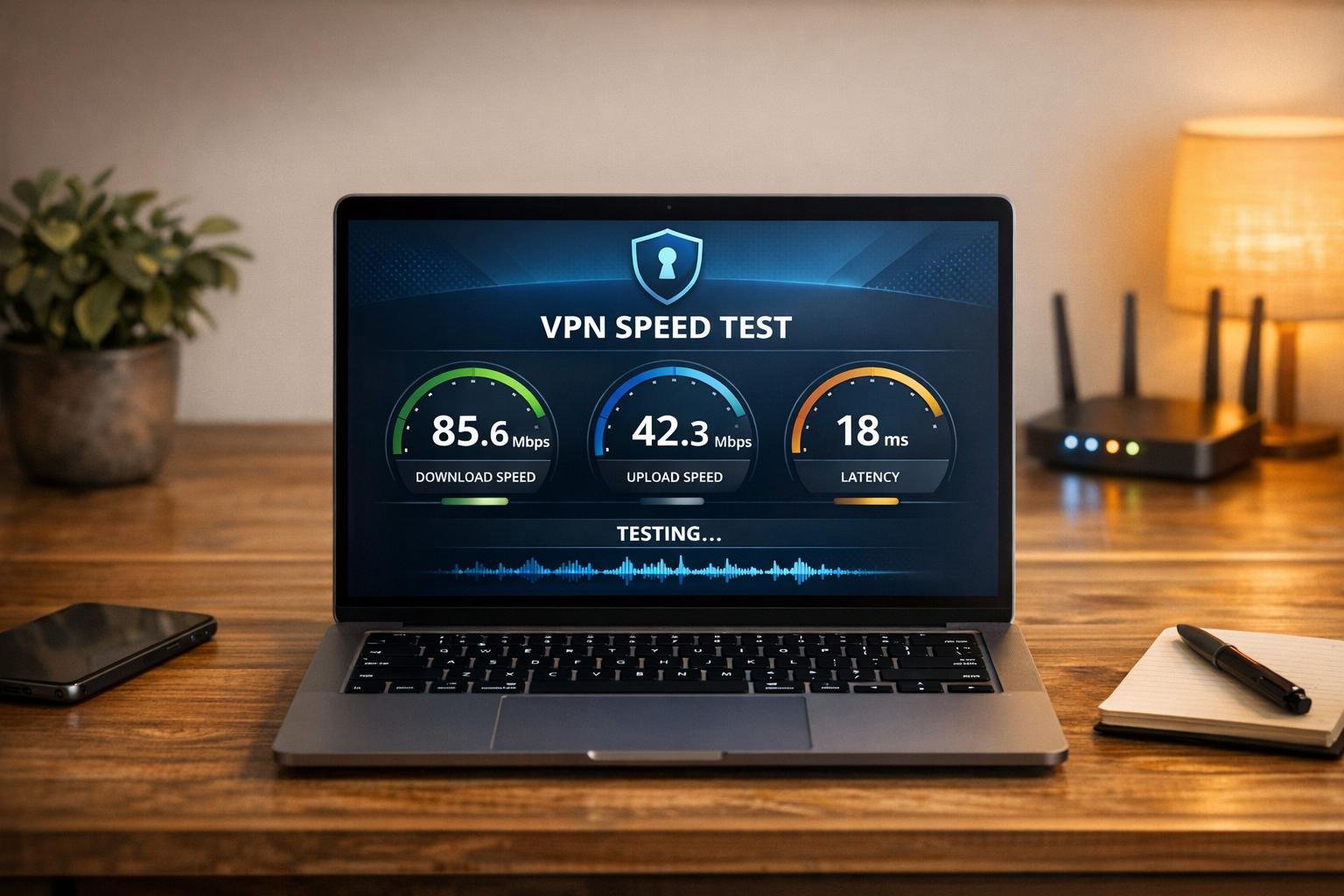
VPN Speed Test: Ensure Your Connection Performs
In today’s digital world, a Virtual Private Network is essential for privacy and security, but not all VPNs deliver the performance you need. That’s where a reliable tool to check your connection speed comes in handy. Whether you’re streaming, gaming, or working remotely, knowing how your VPN impacts your internet speed can save you from buffering headaches or laggy calls.
Why Speed Matters for Your VPN
When you encrypt your data through a VPN, it often routes through distant servers, which can affect download and upload rates. Testing your connection helps you pinpoint if your setup is optimized. For instance, a high download rate ensures smooth video playback, while low latency keeps online interactions snappy. If the numbers aren’t up to par, switching to a closer server or tweaking settings might do the trick.
How to Get Accurate Results
Make sure your VPN is active before testing, and close unnecessary apps to avoid skewed data. A quick check of your performance metrics can reveal a lot about your online experience. Use tools like ours to stay informed and keep your browsing, streaming, or gaming seamless without sacrificing security.
FAQs
Why should I test my VPN speed?
Testing your VPN speed gives you a clear picture of how your connection holds up for different tasks. A VPN can sometimes slow down your internet due to encryption or server distance, so knowing your download and upload speeds helps you decide if it’s good enough for streaming HD videos or online gaming. Plus, checking latency ensures your connection isn’t lagging during video calls or real-time activities. It’s a simple way to spot issues before they frustrate you!
What do my VPN speed test results mean?
Your results break down into three key metrics. Download speed (in Mbps) shows how fast data comes to you—higher numbers are better for streaming or downloading files. Upload speed (also in Mbps) measures how quickly you send data, which matters for video calls or cloud uploads. Latency, or ping (in milliseconds), reflects response time; lower is better for gaming or browsing. If any of these are too low, you might need to switch servers or check your base internet connection.
What if I’m not connected to a VPN?
No worries! If you’re not connected to a VPN when you start the test, our tool will display a friendly message asking you to activate your VPN first. We can’t measure VPN-specific performance without it running. Just connect to your preferred service, hit refresh if needed, and click ‘Start Test’ again. If your internet itself is down, we’ll let you know that too, so you’re never left guessing.